
# Stop following a program
- Go to the Copytrading page
- Select the program you want to stop following on the desktop and click the curved arrow icon.
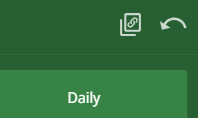
- The program card will flip over, revealing channel information.
- Click Unsubscribe at the bottom of the card.
- Confirm your unsubscription.
- Done! You've successfully unsubscribed from the program. Note that you can always subscribe again.