- Go to the main page
- Click Create Account
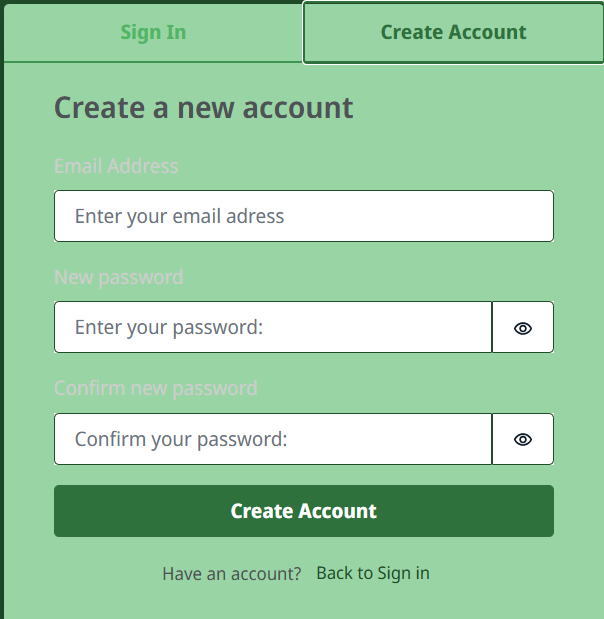
- Enter your email
- Enter your desired password (Please note that the password must be at least 8 characters long)
- Repeat the password (You can enable password display for clarity)
- Confirm
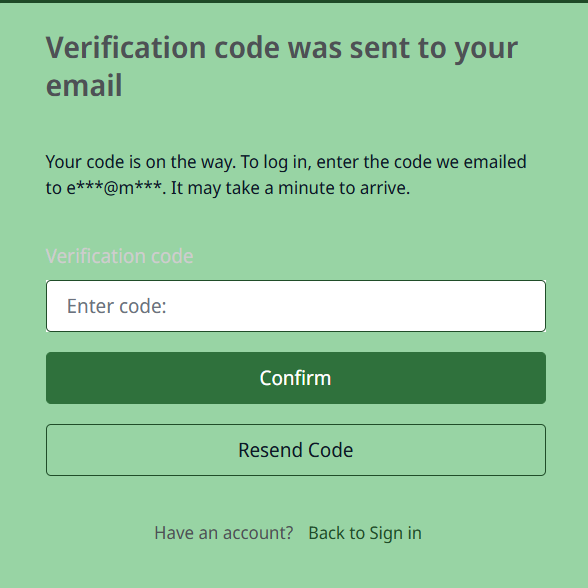
- Enter the code sent to your email
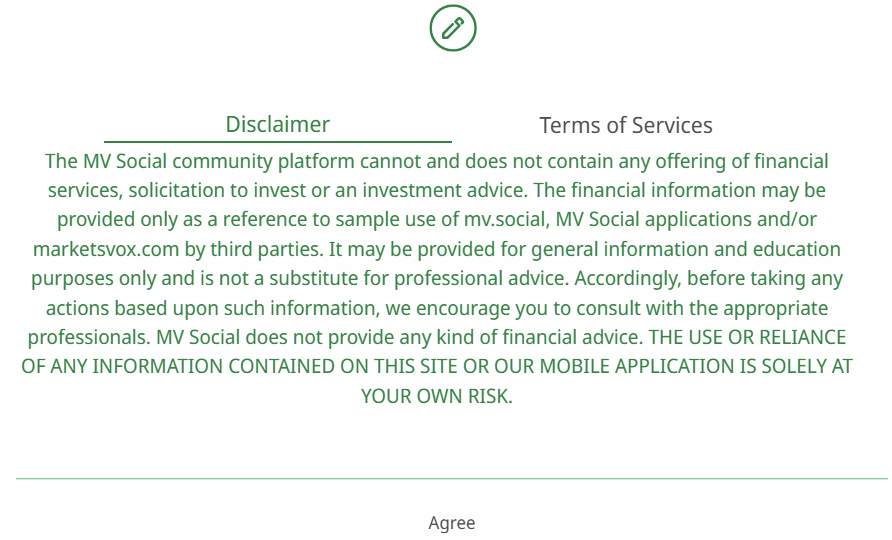
- Carefully read the Disclaimer and Terms of Use
- Your profile has been successfully created, now you need to set it up.
- Enter your name, phone number, real name, and MetaTrader account, if you have one. You can also proceed to create your MT account or skip this step temporarily.
- Done. You have successfully registered. You can view or change your account information in the settings.