
# Registering a Metatrader account
There are several ways to add your MT account. Method 1: during registration.
- Get to the step asking if you have a MT account
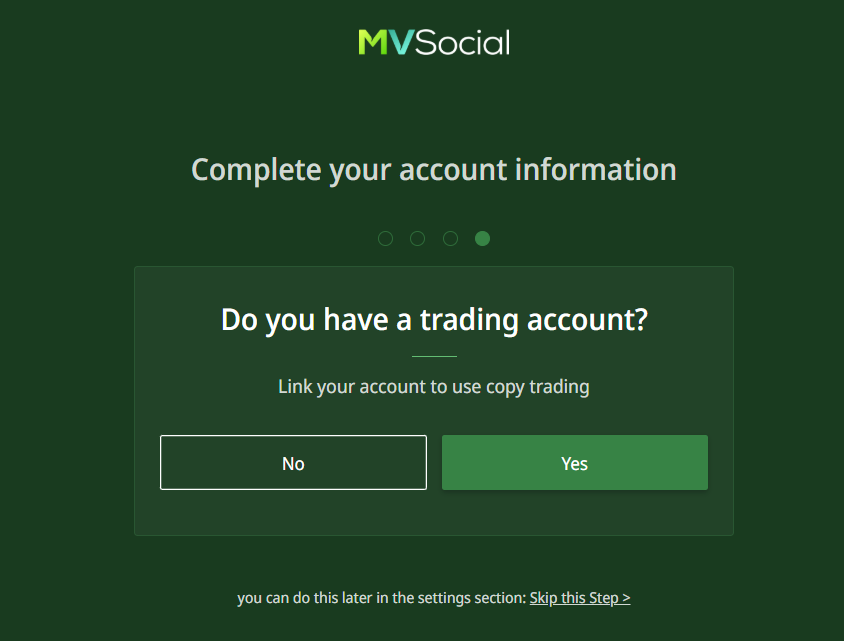
- Confirm its availability
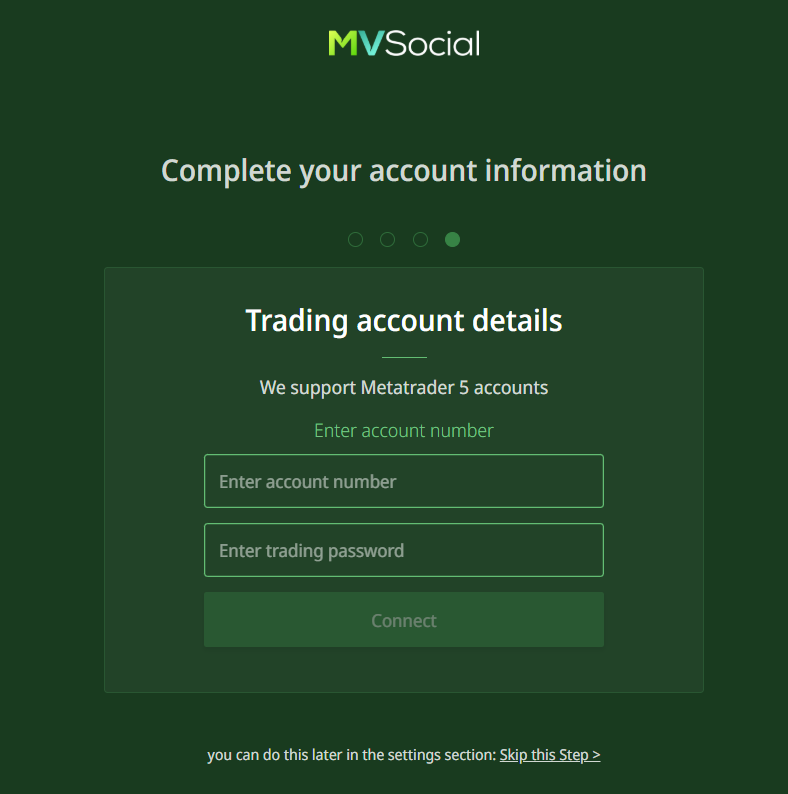
- Enter your account number
- Enter your password
- Confirm by clicking the Connect button
- Wait until the account is processed and added
- Done! Your MT account is connected
Method 2: in the Settings.
- Go to Settings
- In the Account section, select Metatrader accounts
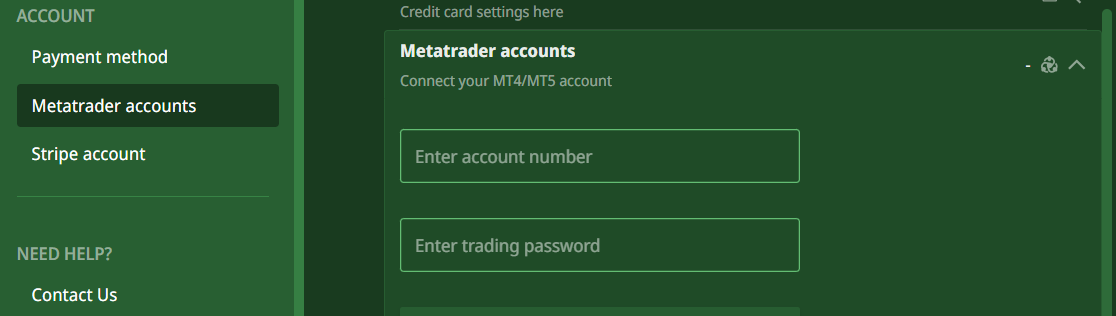
- Enter your account number
- Enter your password
- Confirm by clicking the Connect button
- Wait until the account is processed and added
- Done! Your MT account is connected
Method 3: directly when subscribing to a copytrading program
- Go to the Copytrading page
- Select any program in the store and click it
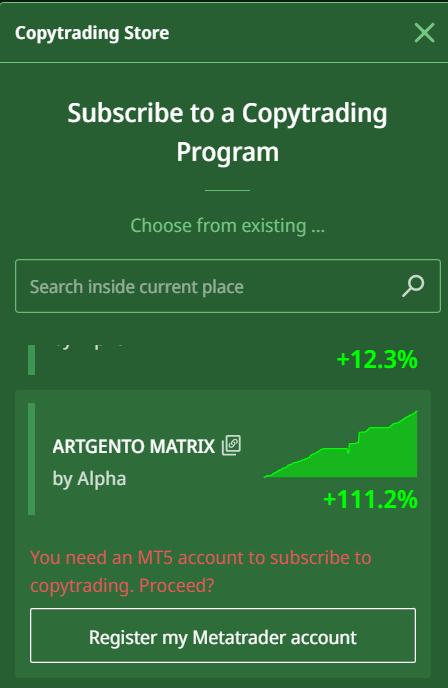
- Click Register my Metatrader account
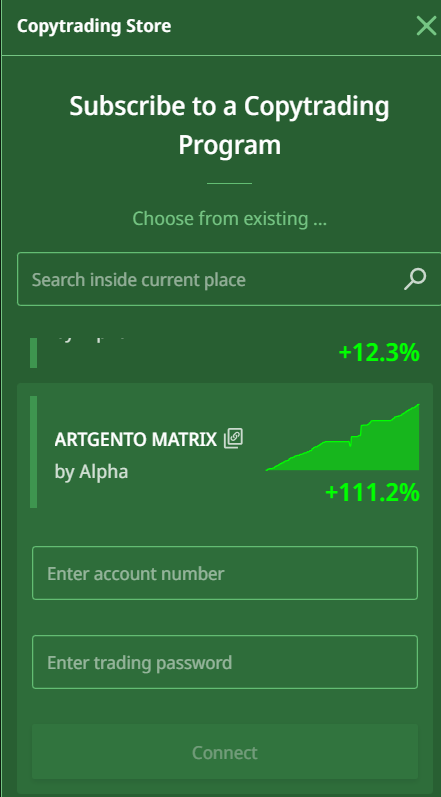
- Enter your account number
- Enter your password
- Confirm by clicking the Connect button
- Wait until the account is processed and added
- Done! Your MT account is connected