# Creating a local channel
- Go to the Channels page
- Click the Create new button
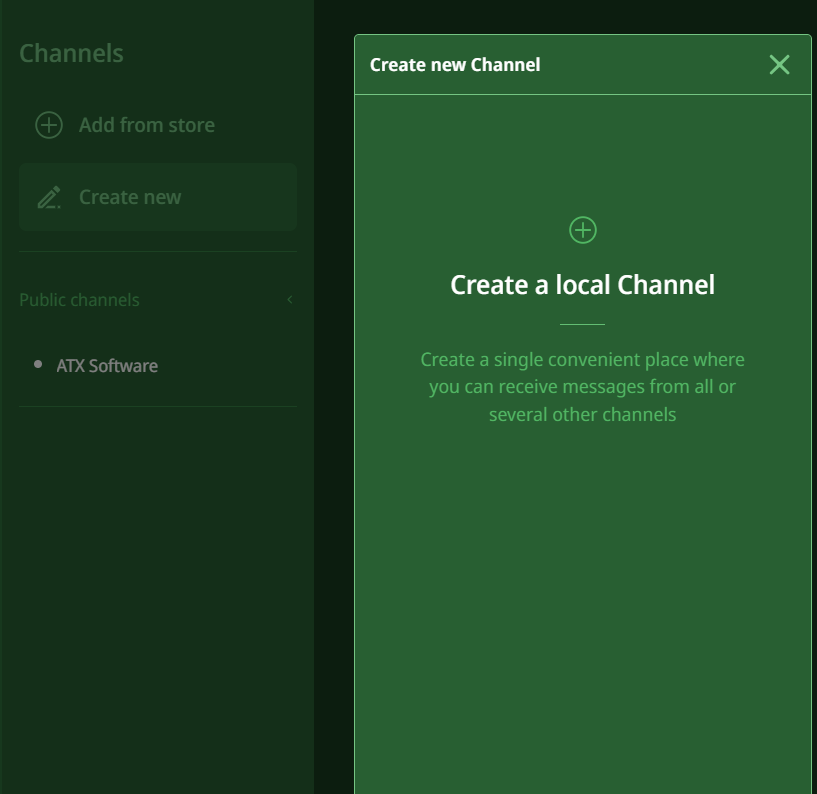
- In the window that opens click Create local channel
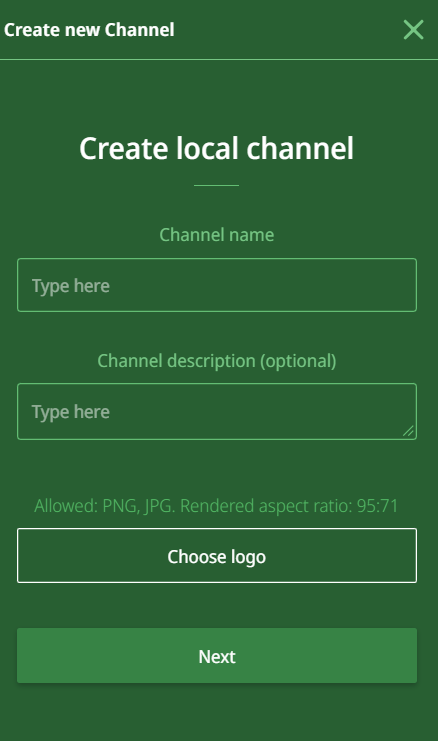
- Enter a channel name
- Enter a channel description (optional)
- You can add a logo if you want
- Click Next
- Done! You have successfully created a local channel.
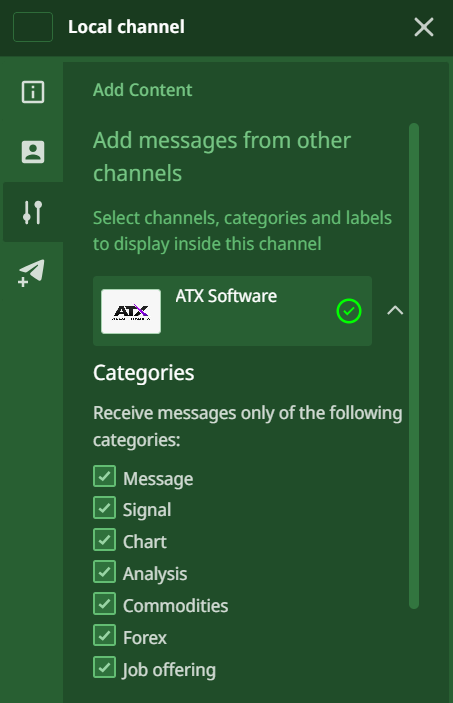
- Now in this local channel settings you can choose any public channels you have subscription to. If you click the checkbox next to the public channel name, all its contents will be copied to your local channel.