
# Subscribing to a Copytrading program
- Go to the Copytrading tab
- Click the hamburger menu button in the upper left corner
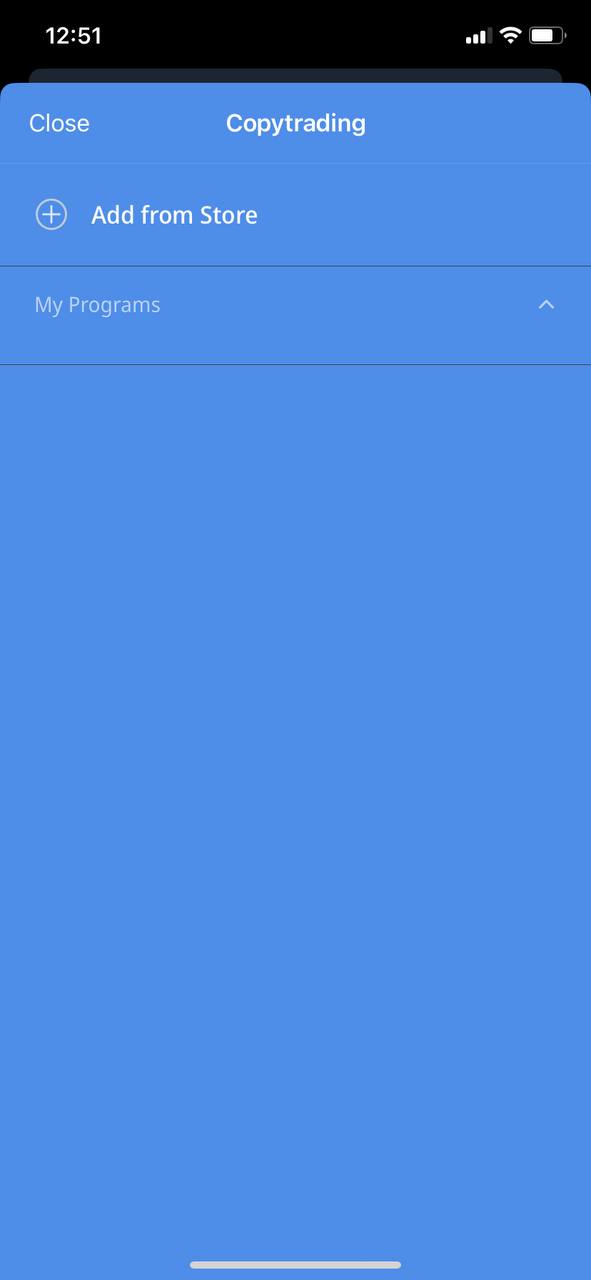
- In the menu that opens, tap Add from Store
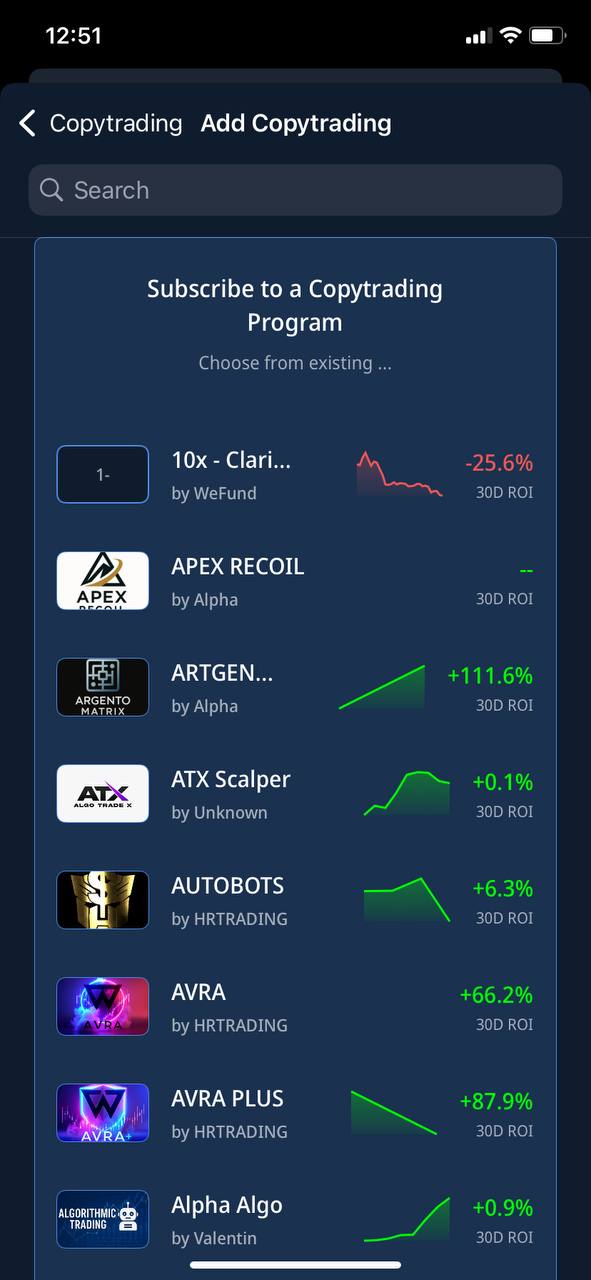
- Configure the desired risk parameters
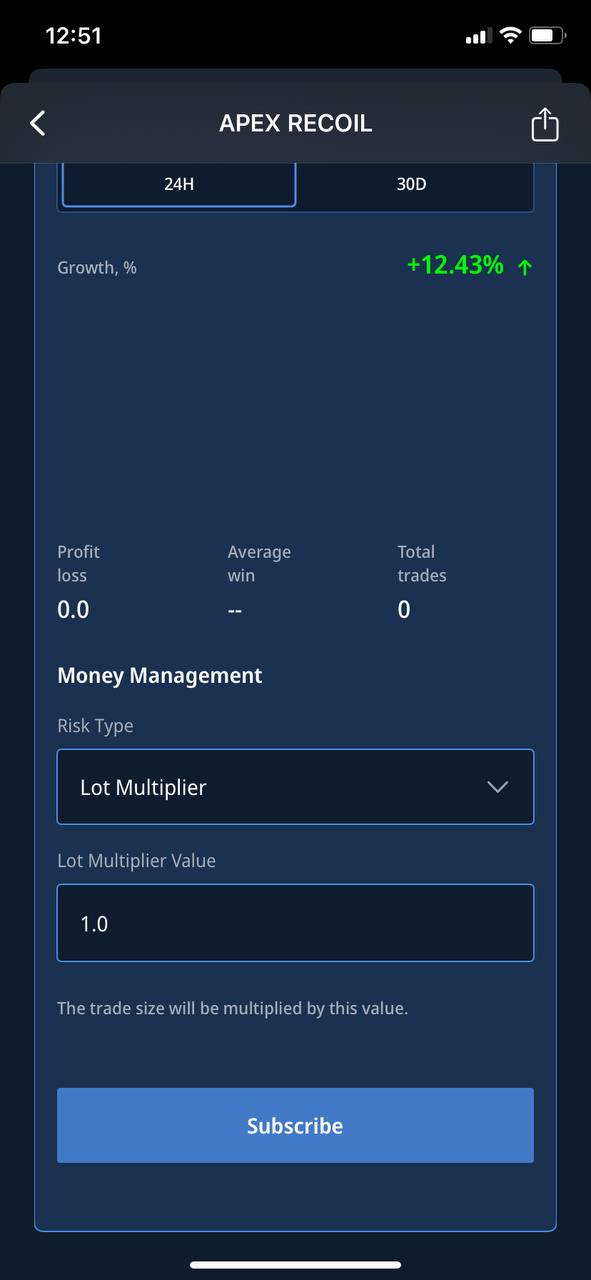
- Click Subscribe
- Done! You've successfully subscribed to the program. It will now appear on your programs page.