
# Subscribing to a channel
You can always subscribe to a channel you're interested in. To do so, follow these steps:
- Go to the Channels tab
- Click the hamburger menu button in the upper left corner
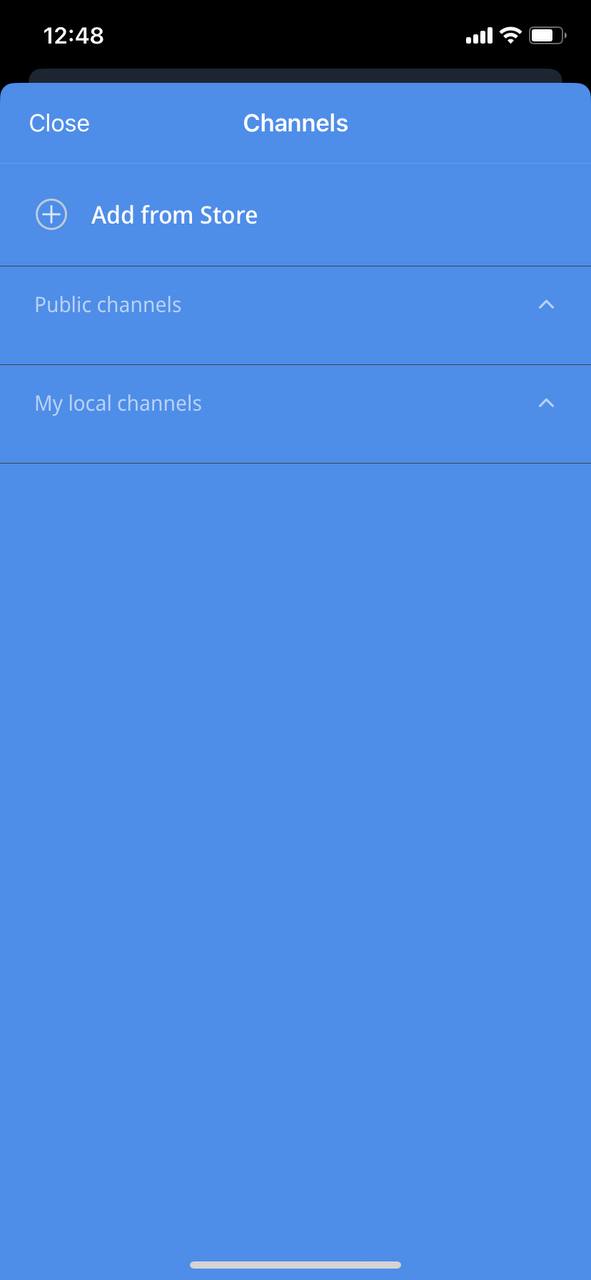
- In the menu that opens, tap the "Add from Store" button
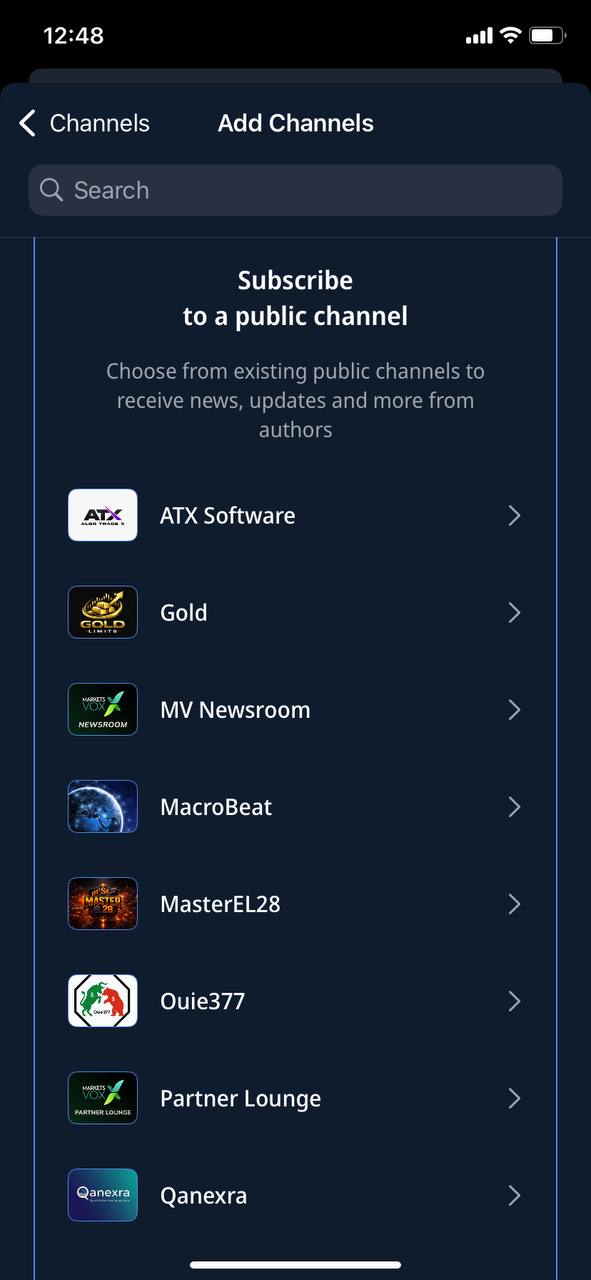
- In the list of channels that opens, select the channel you're interested in and tap it
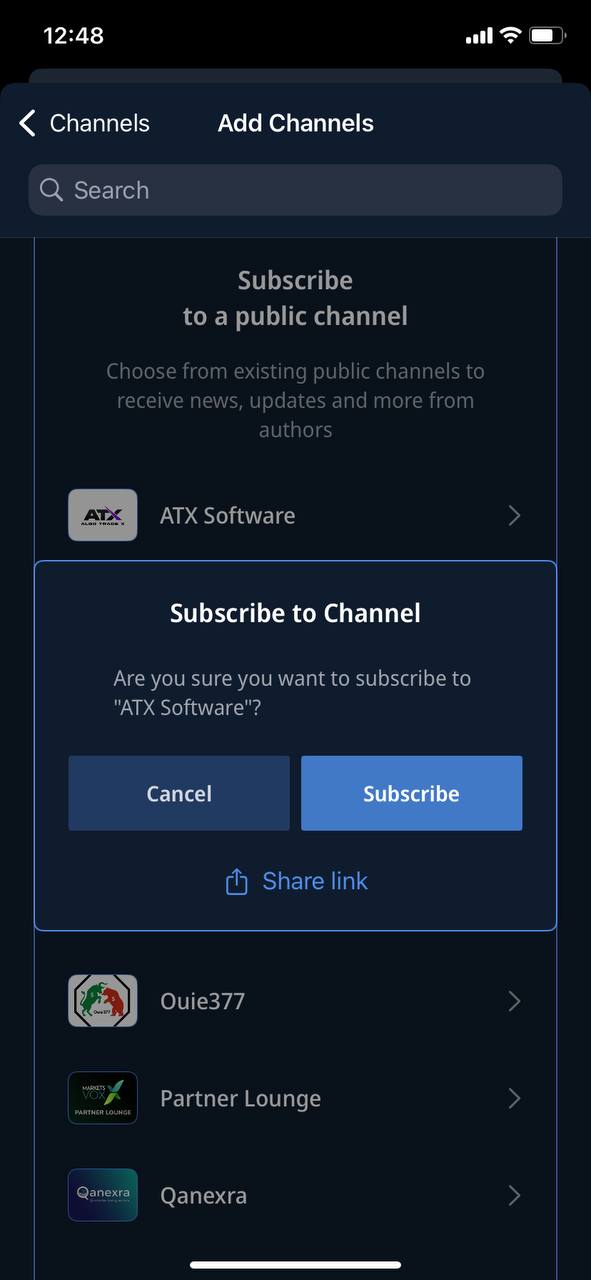
- Confirm your subscription by tapping the "Subscribe" button
- Done! You've successfully subscribed to the channel, and it's now displayed on the channels page